HudMod Video Editor
A downloadable tool for Windows and Linux
HudMod Video Editor
About:
HudMod is an open-source video editor under the GPLv3 license. It is fast and equipped with advanced tools. Development began on June 17, 2025, to fill a gap in the video editing software market. It is developed by game developer Omar Mohammed Balita (the publisher), known as Omar TOP on social media platforms. The development process has been exceptionally rapid, driven by a desire to keep pace with the market and a persistent passion to see HudMod come to life.
Developer Background:
Omar Mohammed Balita, born in Tripoli, Lebanon, is passionate about game development and the creation of graphical software.
"I find that Godot provides a very comfortable environment for software development. I firmly believe that open-source software is the future."
Team:
There is no traditional team at this moment; I have covered 99% of the development process. However, I received significant and appreciated assistance from Malek Al-Ateeq, who has been included as a Core Contributor for his support during the critical phases of HudMod's development. In the future, we need to expand and require financial support to cover developer salaries.
Why HudMod?
As mentioned earlier, I started working on this project to fill a void in current video editors, specifically among free or open-source options. Furthermore, it aims to run natively on Linux without complex technical hurdles.
What does HudMod offer?
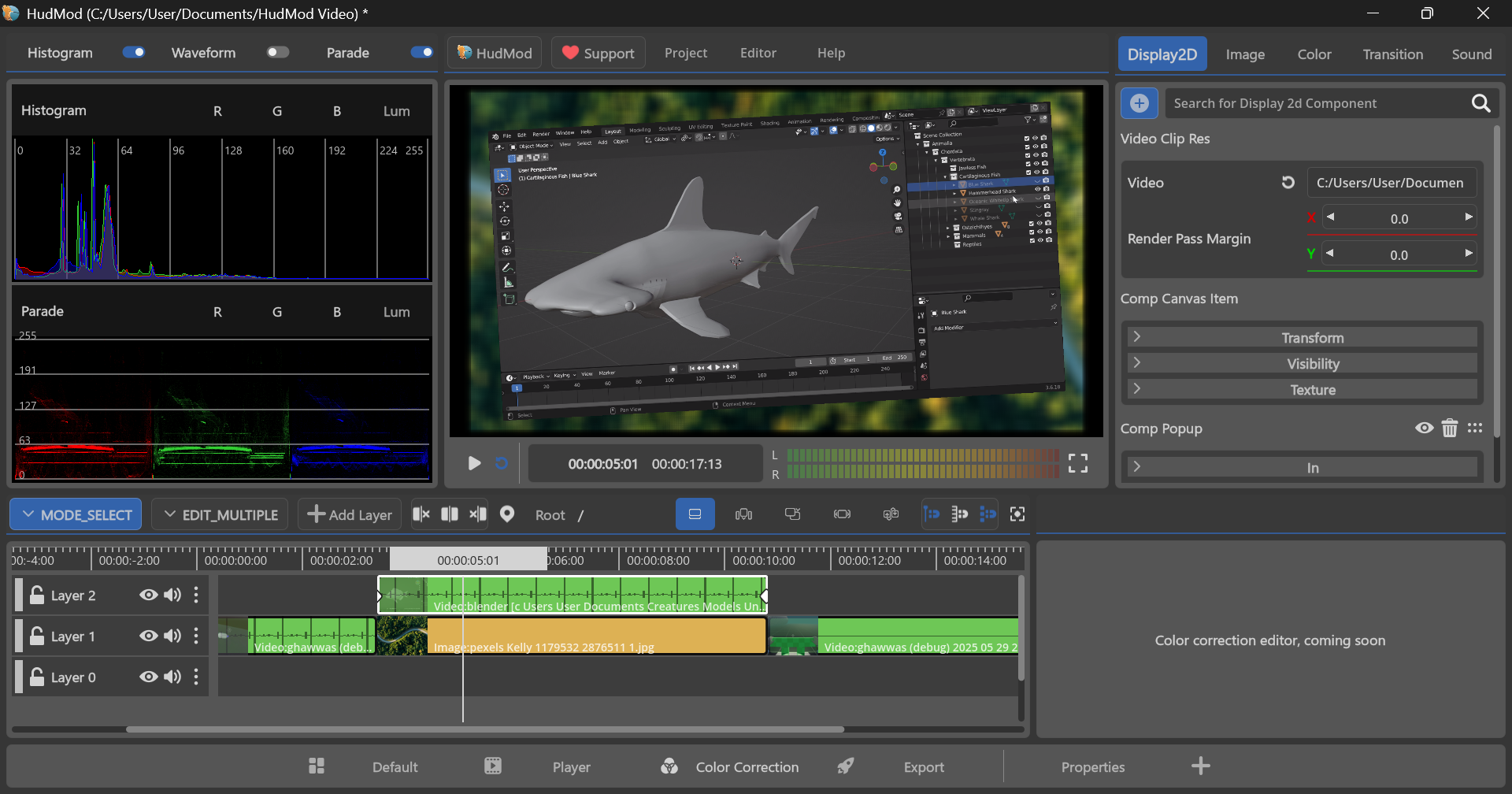
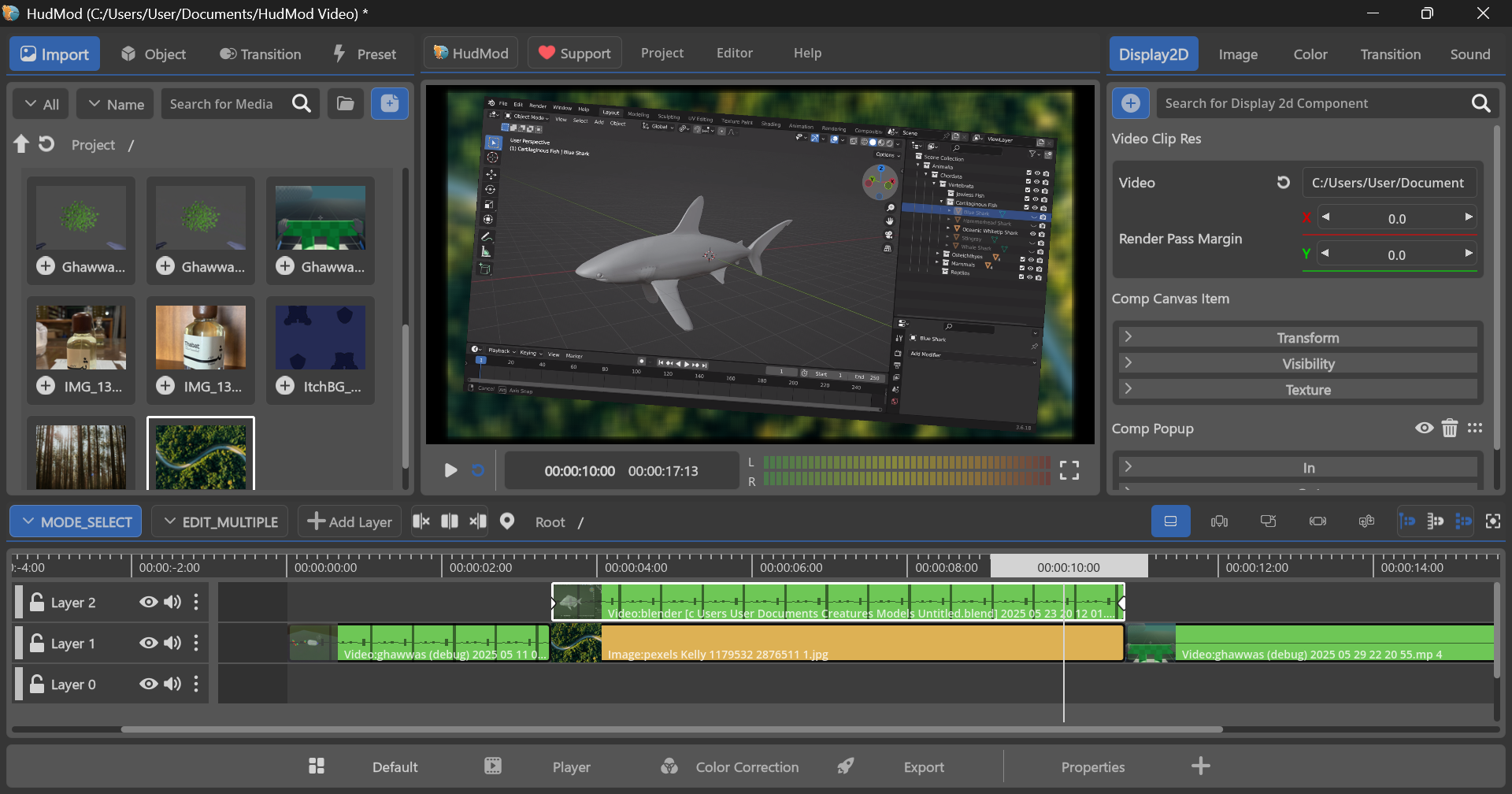
HudMod provides a range of competitive software features and systems in the video world, including:
- Real-time playback and instant preview.
- Effects based on a Components system.
- Animation for all properties.
- An integrated custom interface with Multi-Monitor support.
The Vision:
We have several objectives currently set that we strive to achieve, most notably:
- Building the first stable version and presenting it to all users.
- Focusing primarily on Linux and a fast workflow (bridging the current major gap in existing video editing environments).
- Building a community of supporters to ensure sustainability (aiming to provide a modest monthly salary for everyone working on it).
You can monitor our progress through the blogs on itch.io, or communicate directly with the developers and share your feedback via Discord.
Challenges:
The biggest challenge for the project is establishing an independent financial support structure to ensure the development cycle (current support is via Patreon). The second challenge is ensuring the development workflow, where every feature must pass through a testing and stabilization phase before being released in a stable version (unlike Alpha versions).
FAQ:
- Is HudMod standalone? Yes. HudMod is a standalone video editing application.
- Do we use Godot? HudMod is built primarily on the Godot Engine for all display systems and integrated APIs, ensuring high performance and cross-platform compatibility.
- Will professional editing tools be integrated into HudMod? Certainly. After working on the core features and ensuring their stability, the focus will shift toward professional-grade features based on priority.
A Message from the Founder:
I hope we pay more attention to emerging open-source projects and give them a chance to compete with the giants. We draw inspiration and follow in the footsteps of other inspiring projects like Blender and the Godot Engine.
For financial support and the continuity of HudMod: (Patreon Link)
The Road to the First Release:
The first Alpha version was launched concurrently with the publication of this article. It is expected to have bugs and stability issues. The current plan is to move gradually toward the 1.0.0.release goal, which is expected to be completed by early 2027.
Missing features in the current version (to be addressed over the next seven months):
- Building an integrated core structure for Transitions.
- Designing various Transitions as a foundation.
- Batch audio decoding, specifically decoding areas where the playhead is located. (Current audio is decoded all at once, which strains memory and causes issues with large files).
- Generating Timeline Waveforms in stages rather than all at once.
- Zoom in-out and navigation for the Viewport.
- Selecting and modifying basic properties (position, rotation, scale, etc.) directly through the Viewport interface.
- Control over basic audio properties and audio effects (infrastructure is already in place).
- Enabling audio/video separation.
- Opening all tracks in a single audio file (currently only the first track is opened).
- Enabling reverse playback for video and audio.
- Adjusting video and audio speed with Curve support.
- Capturing a frame from the video to be reused as a standalone image.
- Proxy video options during import with quality settings.
- Building a Pooling system for reusing previously opened videos instead of repeated opening processes.
- Hardware Acceleration support for video decoding.
- Hardware Acceleration support for video encoding/exporting.
- Improving the Video Caching system to avoid errors (allowing users to set memory consumption limits).
- Supporting up to 12-bit color depth for media at the Shaders/Effects level, Render-Passes, and Generated-Textures.
- Including Polygon drawing (essential for Masking).
- Adding a Render-Pass Object (crucial for building complex effects).
- Resolving UI update issues for Clips when modifying basic properties.
- Adding Rendering Presets.
- Adding Project Settings Presets.
- Saving and loading any resource.
- Adding a Color Palette resource (editors should access their palettes via the color controller and keyboard shortcuts).
- Building the Color Grading interface, including LGG controls and {Value} vs {Value} controls.
- Fundamental adjustments to the project file system (imported files) and Global files.
- Drag N Drop for files from outside the app and for Media onto the Timeline.
- Saving editor states (open/closed categories).
- Control over Resolution settings during export.
Please note that these additions and fixes are briefly explained here to serve as a direct guide for the project's future. I will expand on these later through blogs on itch, Discord, and the HudMod website once it is available. These are the primary headings; other urgent additions, fixes, or issues may arise during your experience. I am open to your opinions and direct communication via Discord.
Conclusion:
HudMod is a massive project for me to handle alone; it was created to be a new and inspiring milestone for open-source graphical software. I need all possible support to continue development. Personal and financial pressures are significant, and a program like HudMod requires everyone's participation. Therefore, if you want to be part of the development process, please head to Patreon. Your donation will change everything for the better and bring a smile to my face and everyone who believes in HudMod.
In the future, I will establish a pipeline for code contributions to the core development process.
Financial Support on Patreon (Essential)
The HudMod Repo link will be posted here soon.
HudMod is now available for Windows x86_64 and Linux x86_64. Support for Arm64 architecture for both systems will be added in the future.
Download
Click download now to get access to the following files:
Comments
Log in with itch.io to leave a comment.
بالتوفيق يا غالي مجهود جبار
شكرا الك 🤍
متحمس جربه بالمقطع الجاي 😍🔥🔥
ولك متحمس شووووف المقطع الجاي 🔥 😍🔥
nice
Wooowww!!